Your Bucket
Every user gets one S3-compatible bucket automatically provisioned by ResonTech on our infrastructure. No setup required — your bucket is ready when your account is.
You can find your bucket credentials on the Profile → Storage page. Copy your secretAccessKey from there — it is shown once.
!
The
secretAccessKey is shown once. If you lose it, go to Profile → Rotate Key. The old key is immediately revoked.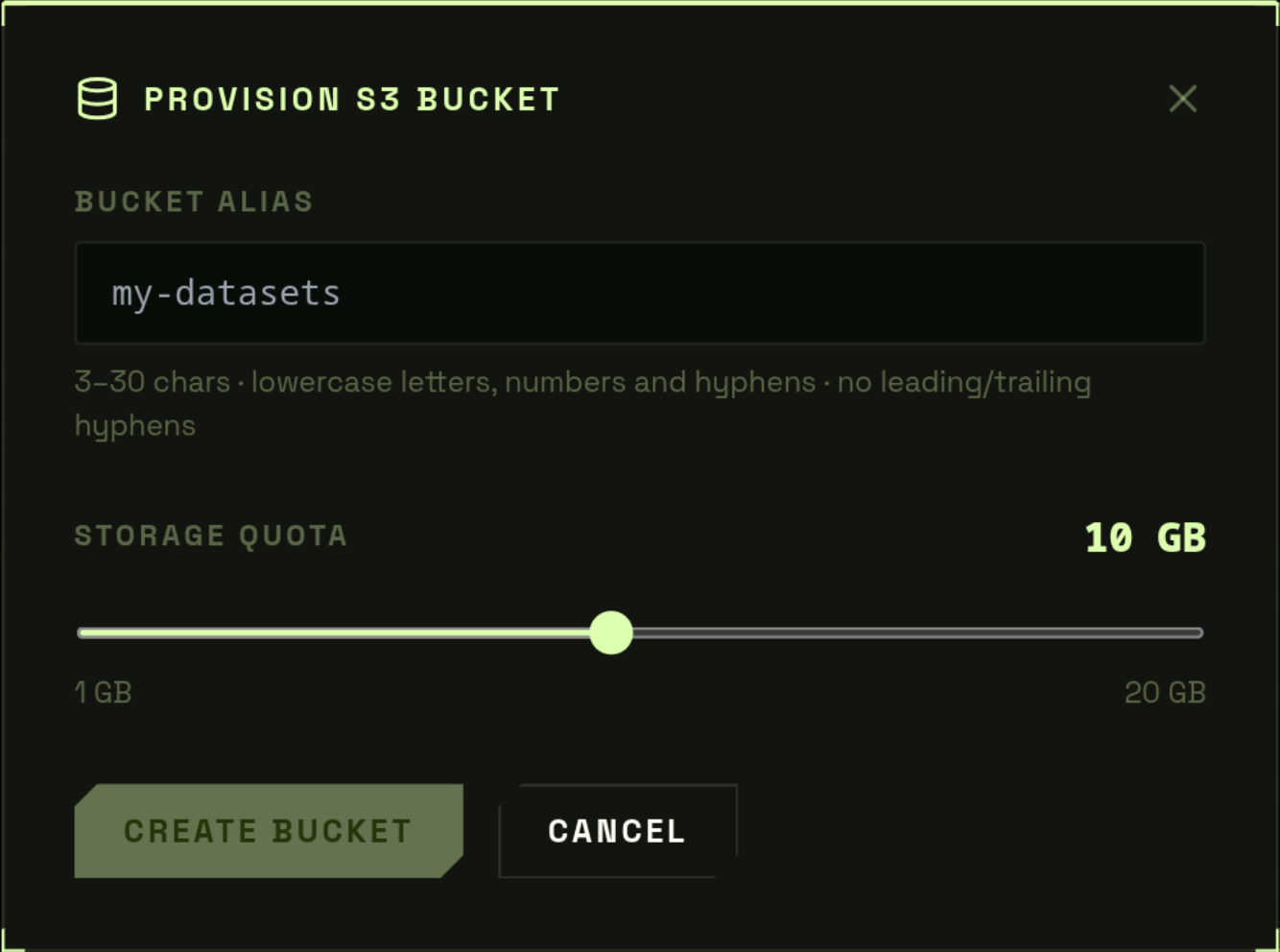
Navigating the File Browser
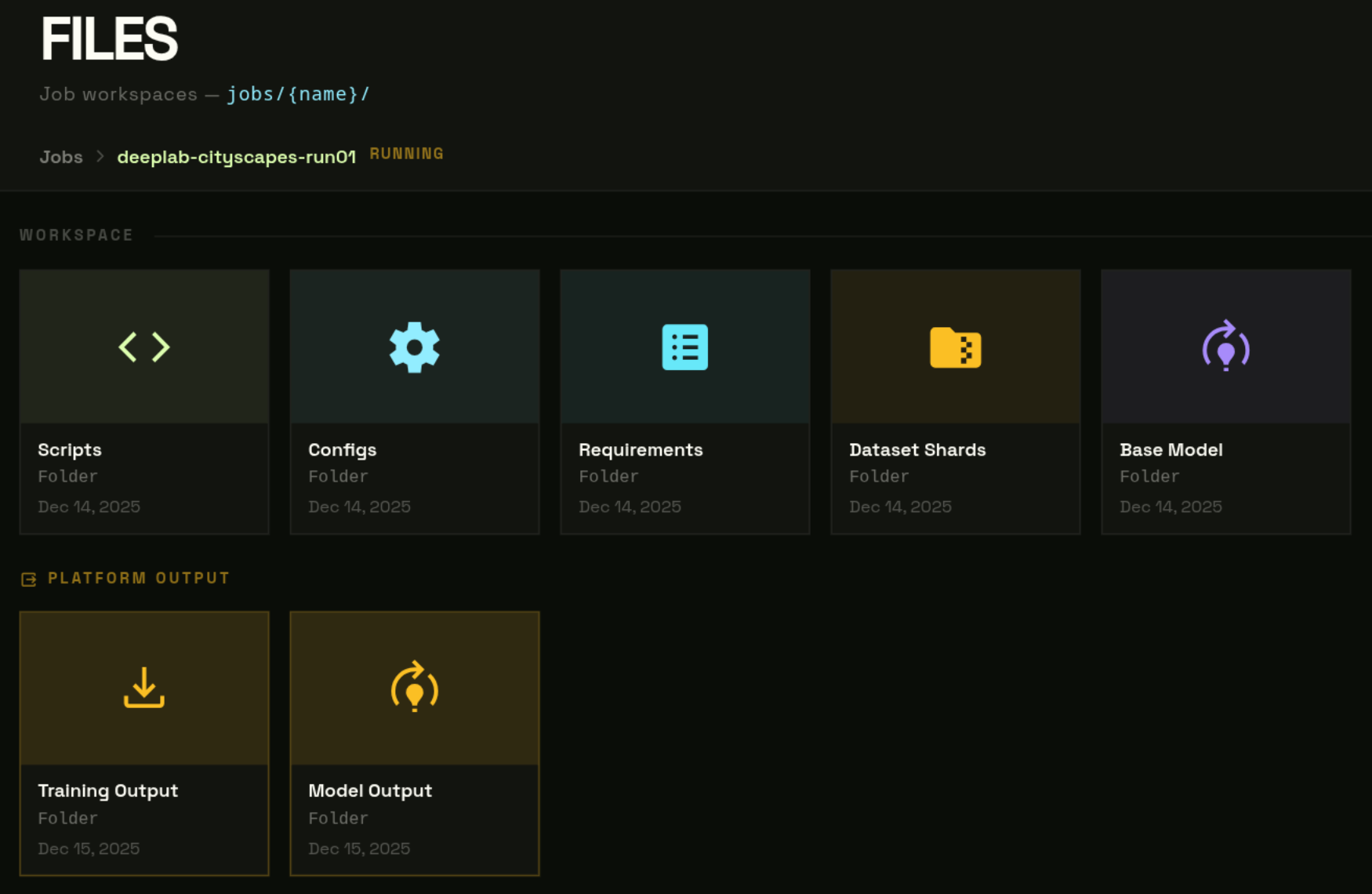
Open /dashboard/files. All job folders live under the jobs/ prefix.
- The browser opens at
jobs/— one card per job folder. - Click a card to enter it. Breadcrumb updates:
Jobs › job-name. - Click a subfolder to go deeper. Click any breadcrumb segment to jump back up.
Storage meter
The header shows used vs. total quota.
Uploading Files
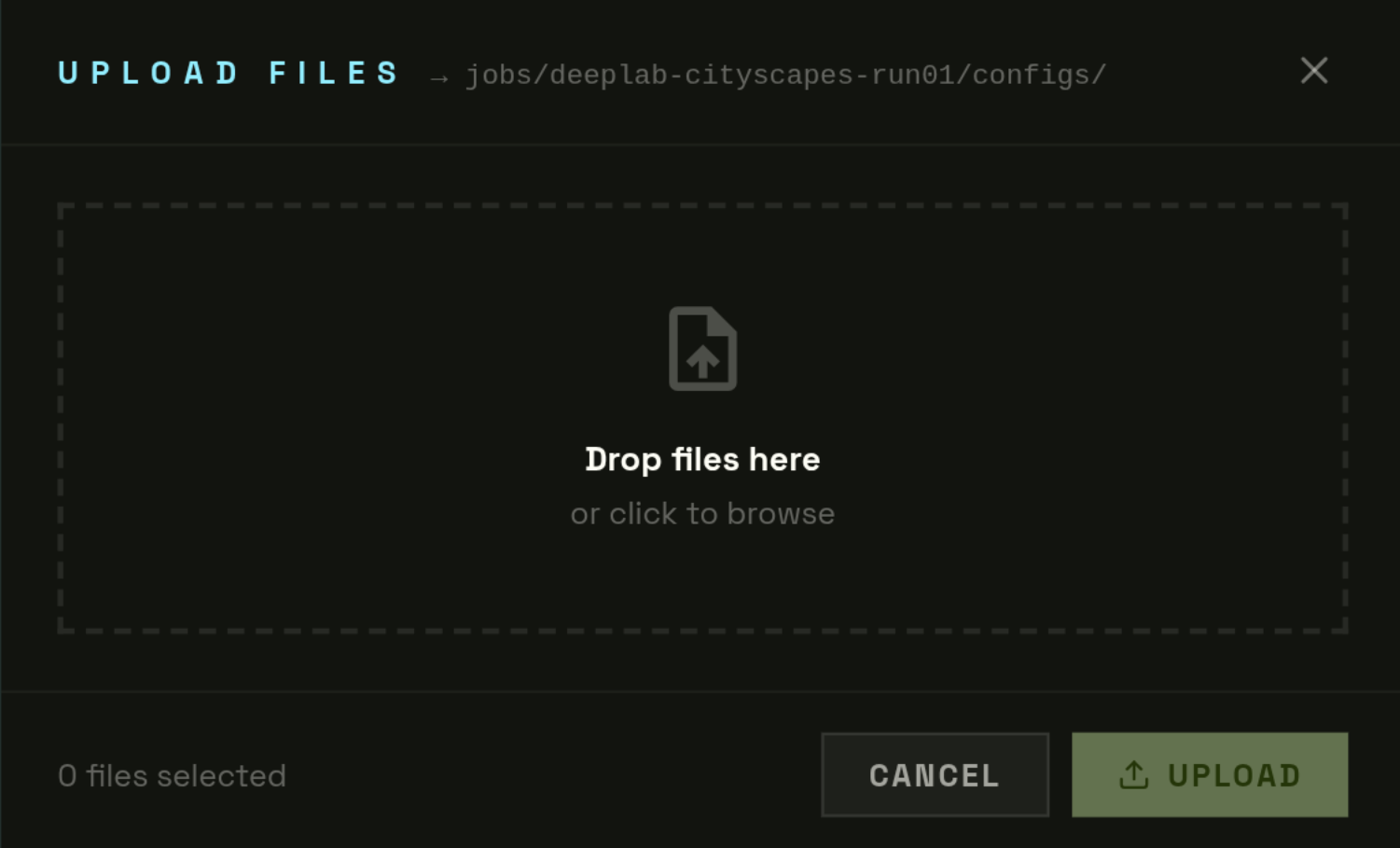
Small files (< 10 MB)
Toolbar → Upload → drag or browse.
Large files (≥ 10 MB) — automatic multipart
- Split into 50 MB chunks, 5 parts in parallel.
- On failure, incomplete upload is automatically aborted.
- Max supported size: 500 GB.
Create folder / new file
- New Folder: Toolbar → New Folder → enter name.
- New File: Toolbar → New File → enter filename → edit → save.
File Viewer & Editor
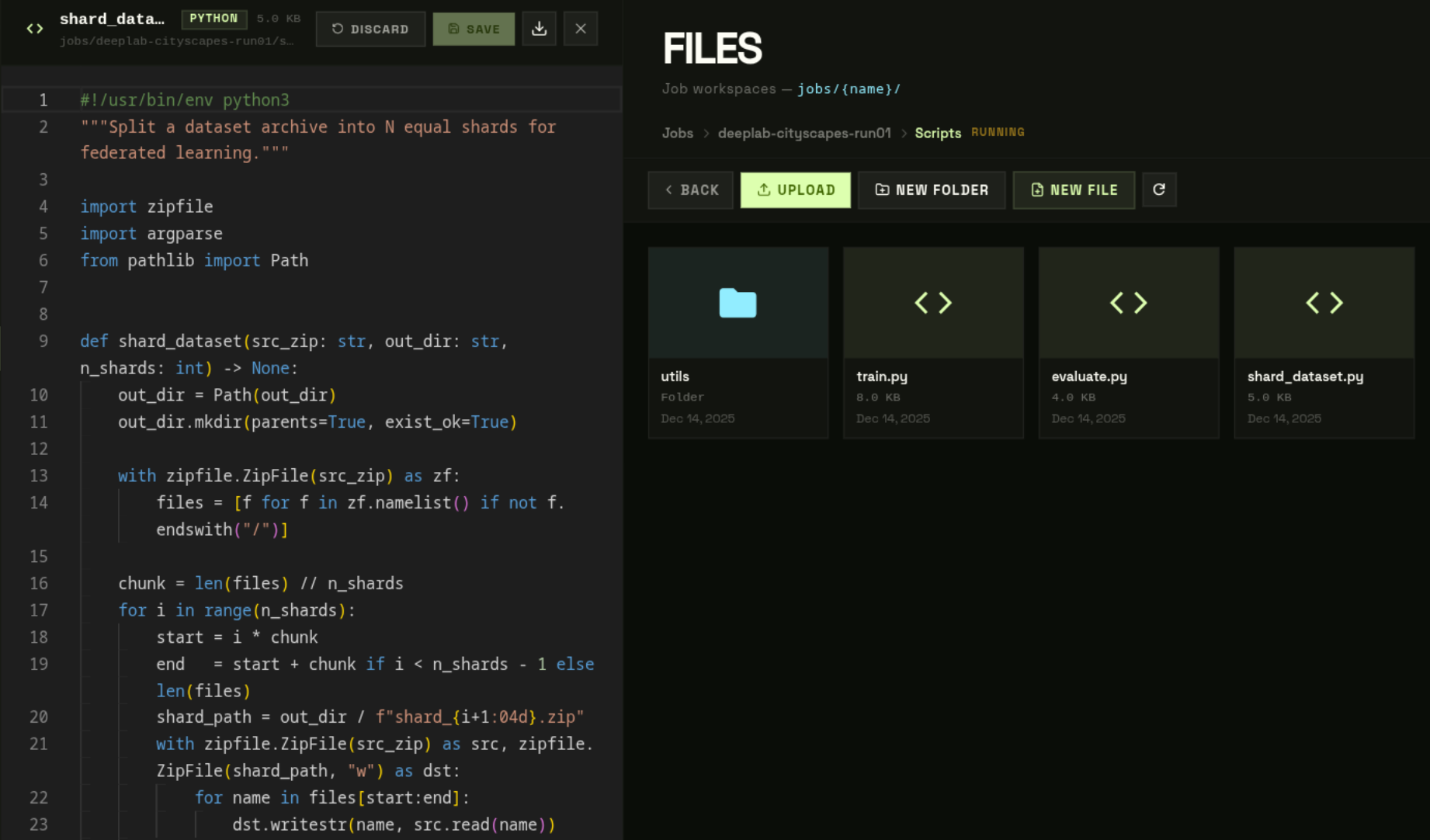
!
The editor is text-only. Use Download for
.pt, .zip, and other binary formats.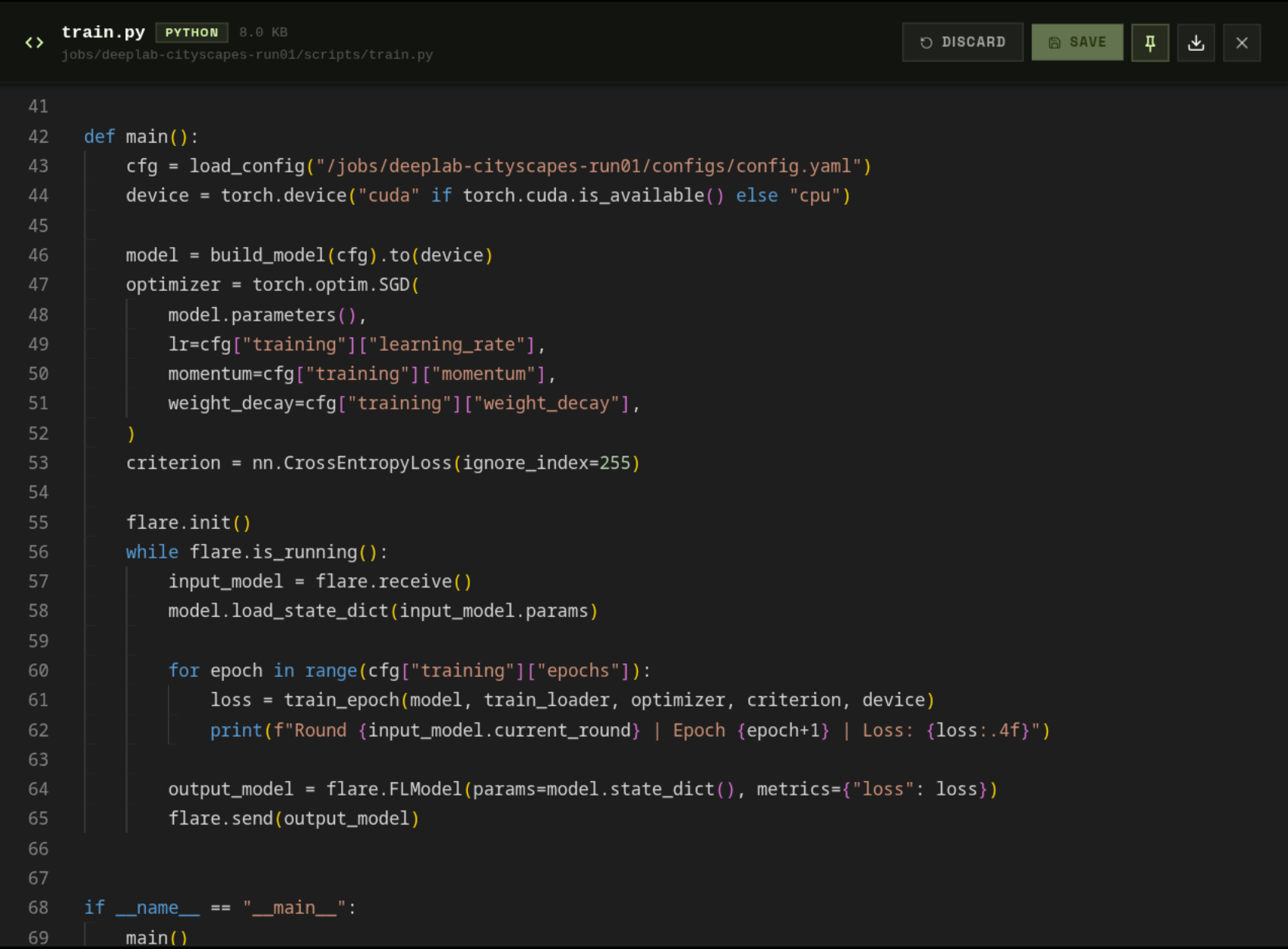
Pinned File Panels
Pin any text file as a persistent side panel that stays open while you navigate — stored across page reloads.
- Open a file → click the Pin icon in the viewer header.
- The panel attaches to the left side of the Files page.
- Click × to remove it.