Job States
| State | What is happening |
|---|---|
| PENDING | Backend validating paths, selecting workers, dispatching containers. |
| RUNNING | FL server up, all required workers connected, FL rounds executing. |
| FINISHED | All rounds completed — or manually stopped. Output written to files_out/ and model_out/. |
| FAILED | A worker crashed or timed out. Error message stored on the job. Logs and any files generated by your Python are written to files_out/. |
Finding Your Results
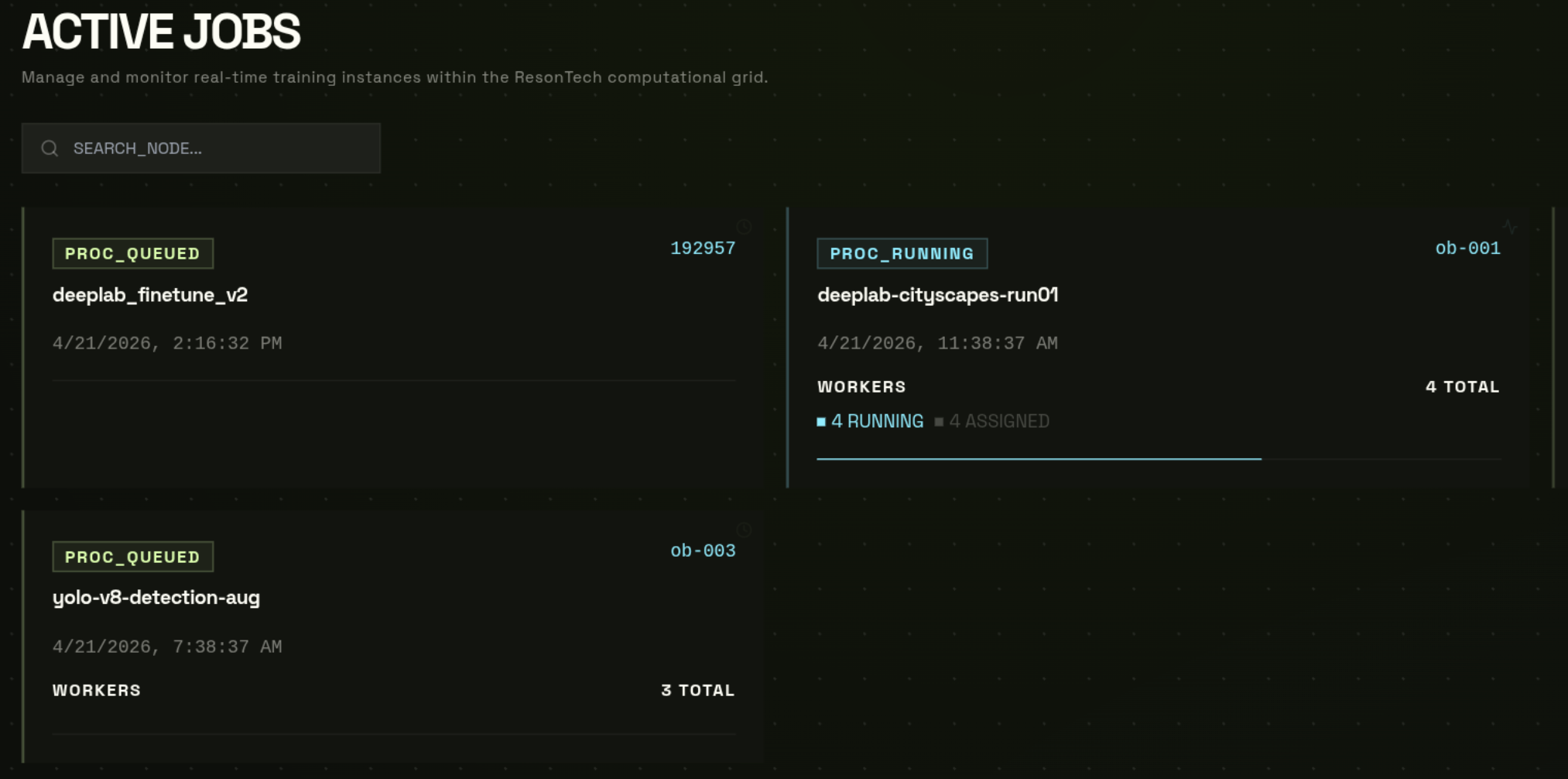
When a job reaches FINISHED, output is in two folders in your bucket:
| Path | Contents |
|---|---|
| jobs/{name}/files_out/ | Training logs, per-round metrics JSON, any files your train() writes to out_dir. Folders with prefix federated_logs_...date... contain logs from server, worker_logs_...date... - logs from each worker, uuid named folder inside it contains more accurate log.json and log.txt files |
| jobs/{name}/model_out/ | Final aggregated model checkpoint after the each FL round (you can download model mid training and check intermediate results) |
Option A — from the Job Detail page
- 1
Dashboard → Jobs → click the finished job
- 2
Click "Browse Job Files"
Opens the Files page pre-navigated tojobs/{name}/.
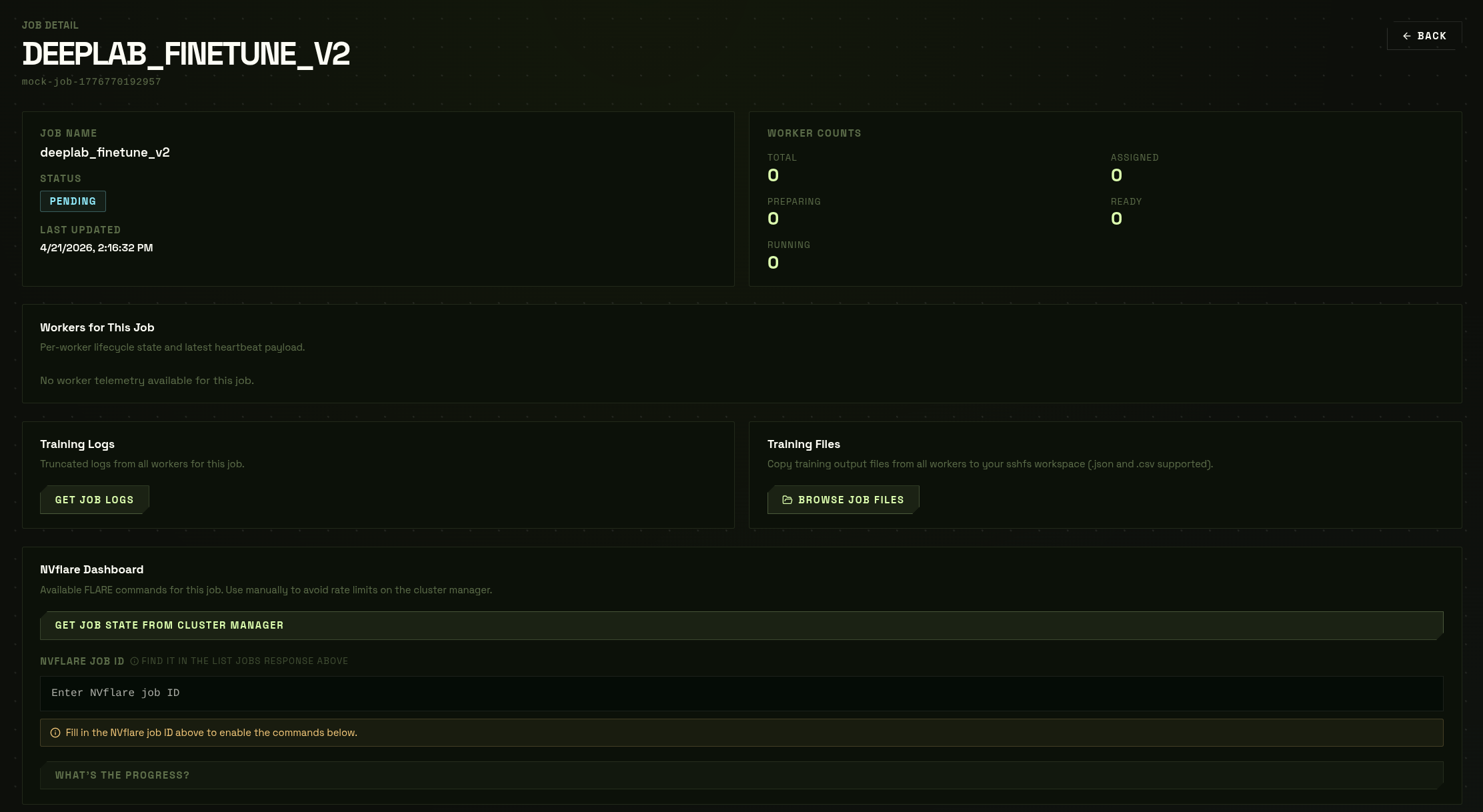
Option B — from the Files page directly
- 1
Dashboard → Files → click your job folder
- 2
Click files_out/ for logs, or model_out/ for the checkpoint
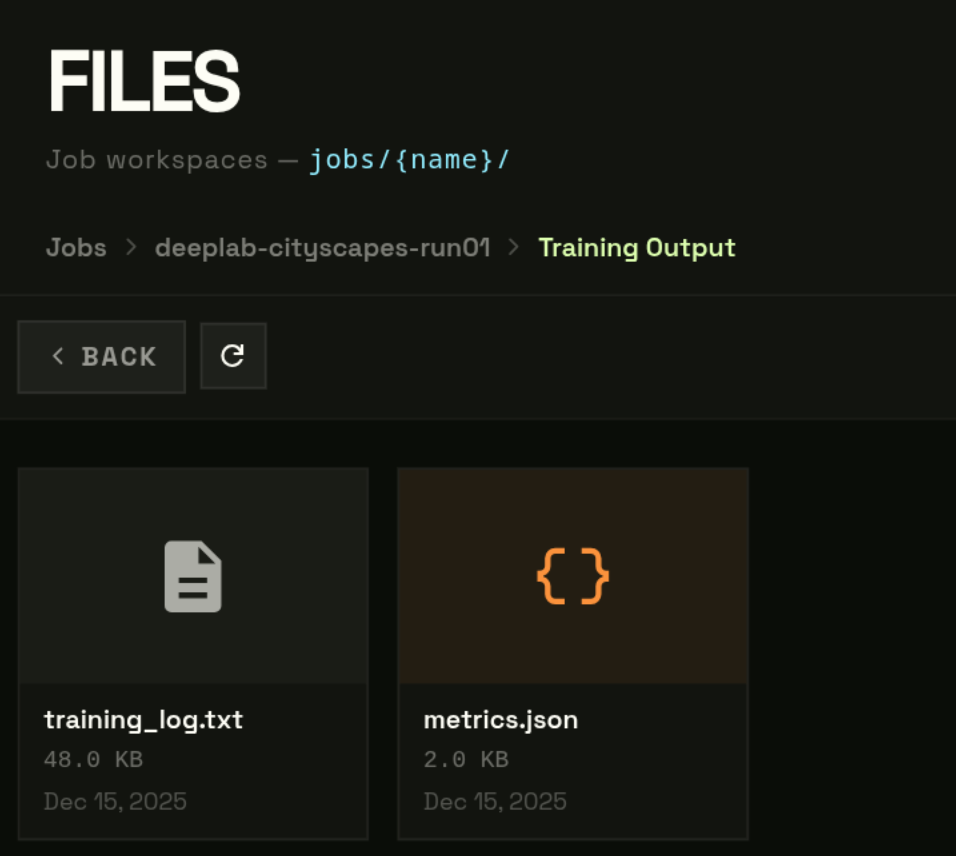
Downloading the Final Model
- 1
Navigate to model_out/
- 2
Click the .pt checkpoint file
- 3
Click "Download"
Download starts directly from S3.
i
The checkpoint is a plain PyTorch
state_dict. Load it at inference time with model.load_state_dict(torch.load("model_round_N.pt")). No platform dependency required at inference time.!
Presigned download URLs expire after 1 hour. If the download times out on a slow connection, click Download again to get a fresh URL.