Overview
The Submit wizard at /dashboard/submit walks you through 7 steps. Progress is auto-saved to localStorage at every step — close the browser and resume later from the Resume Draft list.
| Step | Storage writes | What you do |
|---|---|---|
| 1 — Name | None | Enter a job name |
| 2 — Training | None | Set rounds, batch size, learning rate, local epochs |
| 3 — Federation | None | Set min clients and aggregation strategy |
| 4 — Model | None | Set model class, pretrained flag, num_classes |
| 5 — Advanced | On "Build" | Review & edit generated configs and scripts, then click Build to write to bucket |
| 6 — Validate | User uploads | Upload model_def.py, shard zips, optional checkpoint |
| 7 — Launch | Read only | Submit job — workers are dispatched |
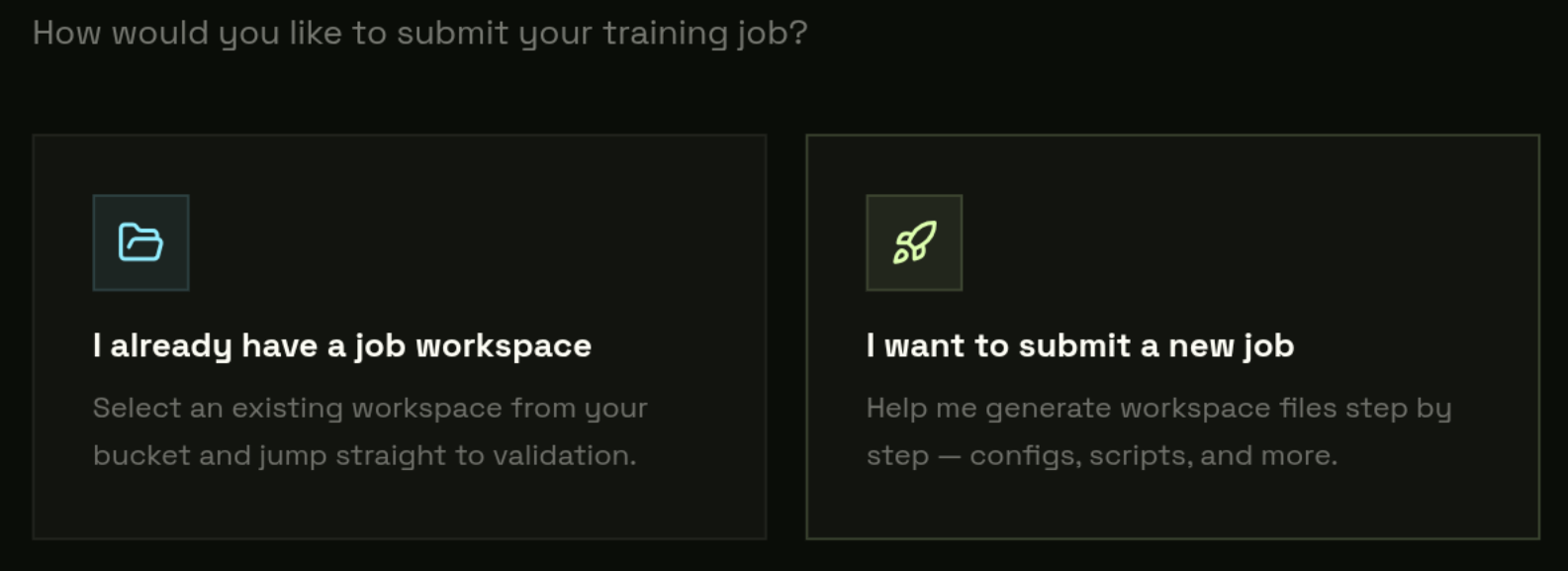
Steps 1–4: Name, Training, Federation, Model
Step 1 — Name
Enter a human-readable name, e.g. mnist-round-1. The platform sanitizes it to an S3-safe prefix: jobs/mnist-round-1/.
Step 2 — Training
A flexible key-value hyperparameter editor. Every row becomes a field in config_fed_client.json → executors[0].executor.args. You can add, remove, or rename any parameter. Defaults:
| Default param | Value | Where it ends up |
|---|---|---|
| local_epochs | 2 | config_fed_client.json → args.local_epochs |
| batch_size | 32 | config_fed_client.json → args.batch_size |
| learning_rate | 0.001 | config_fed_client.json → args.learning_rate |
num_classes here if your model needs it — it will be injected into both args (executor) and persistor.model.args (server).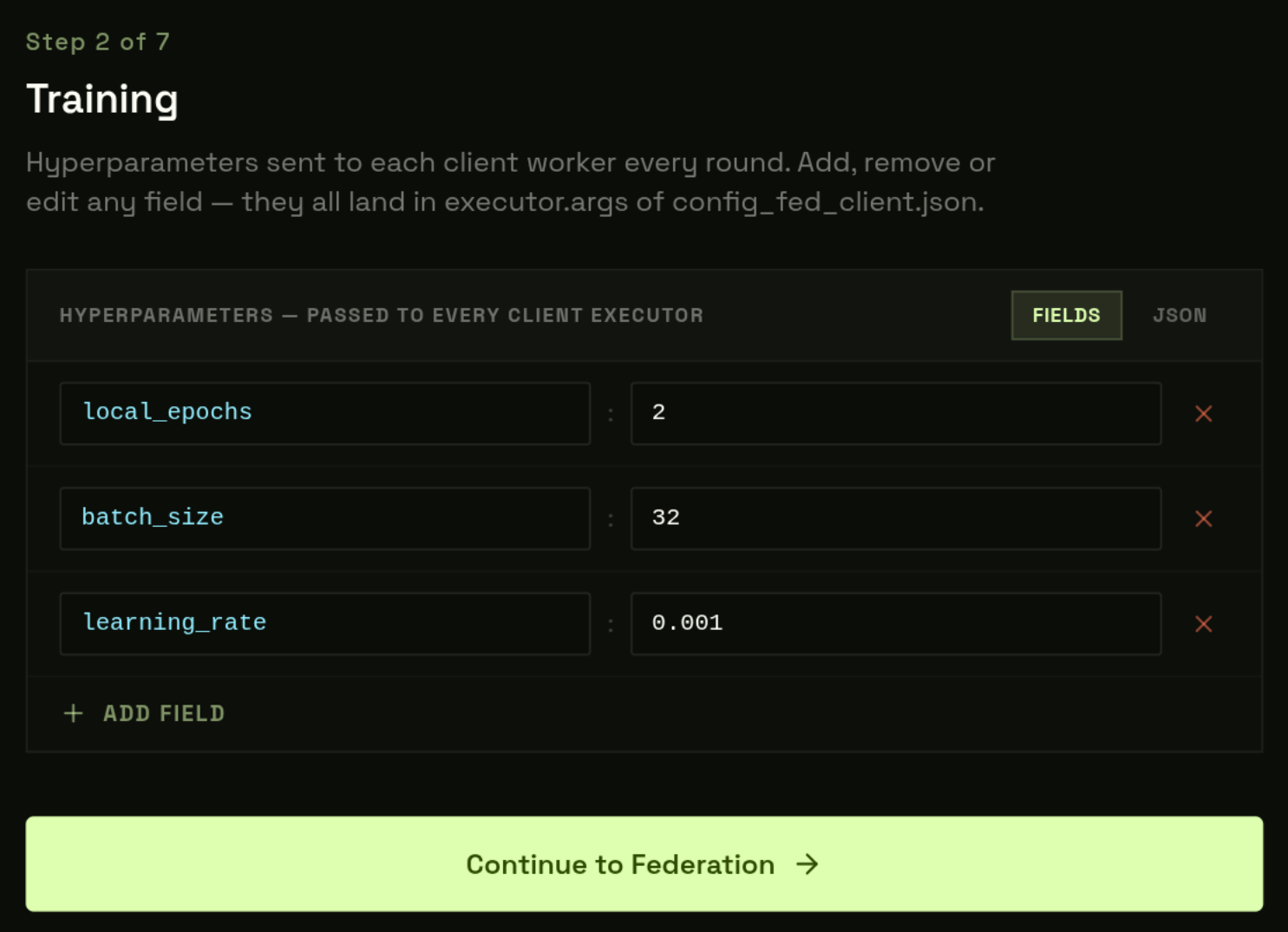
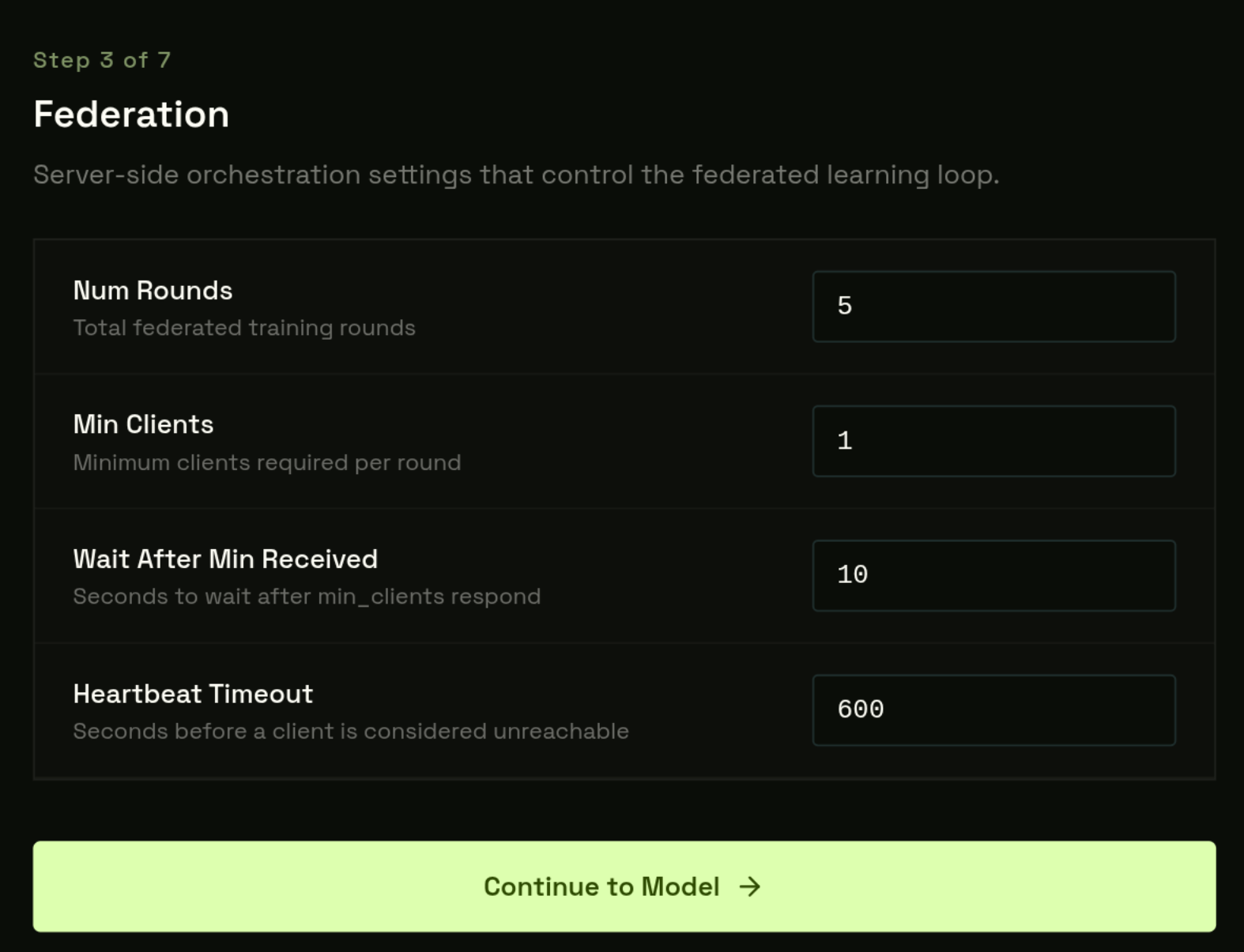
Step 3 — Federation
| Field | Default | Where it ends up |
|---|---|---|
| Num Rounds | 5 | config_fed_server.json → workflows[0].args.num_rounds |
| Min Clients | 1 | config_fed_server.json → workflows[0].args.min_clients |
| Wait After Min Received | 10 s | config_fed_server.json → workflows[0].args.wait_time_after_min_received |
| Heartbeat Timeout | 600 s | config_fed_server.json → server.heart_beat_timeout |
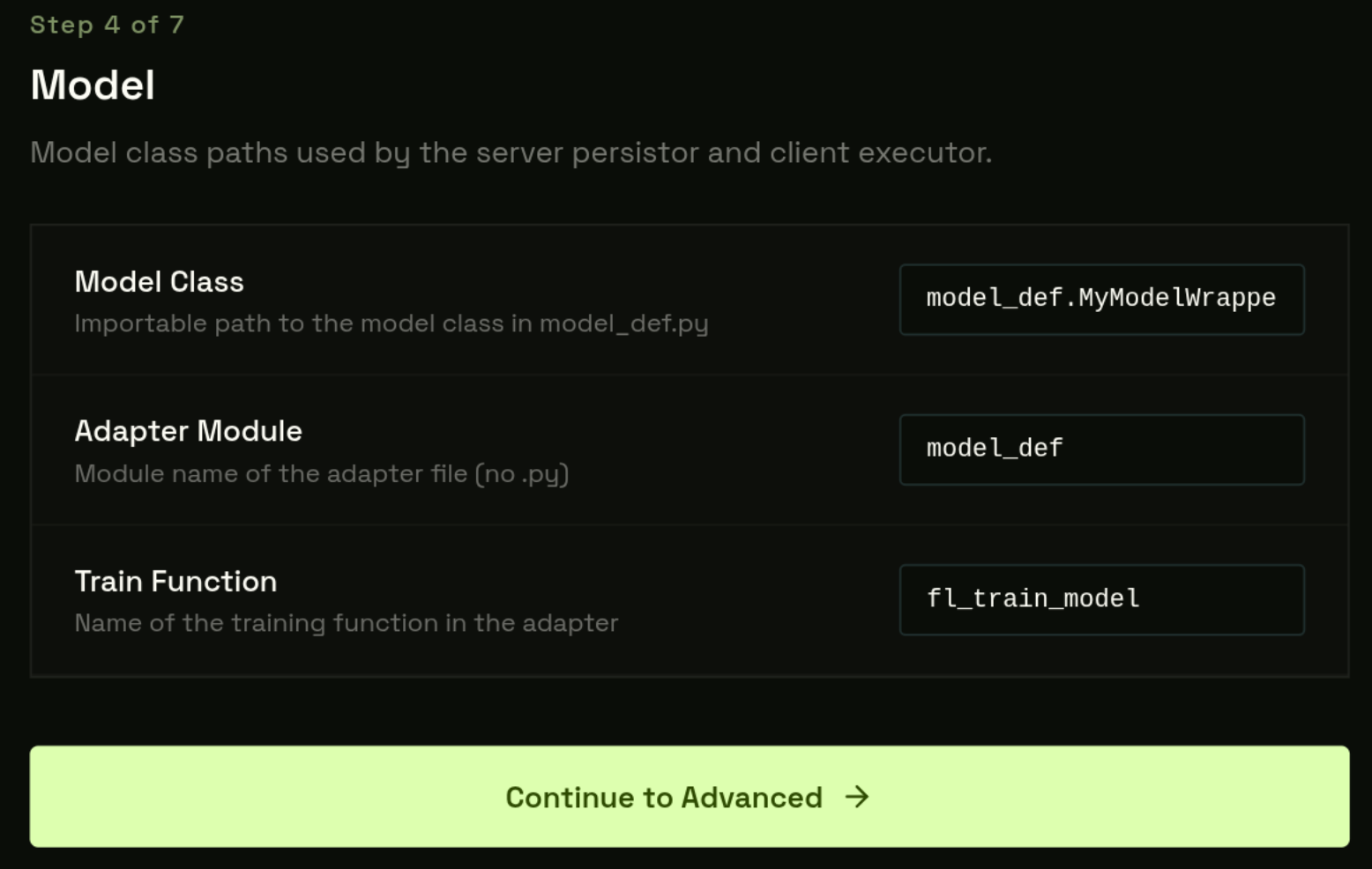
Step 4 — Model
| Field | Default | Where it ends up |
|---|---|---|
| Model Class | model_def.MyModelWrapper | config_fed_server.json → components[persistor].args.model.path |
| Adapter Module | model_def | config_fed_client.json → args.adapter_module |
| Train Function | fl_train_model | config_fed_client.json → args.train_fn |
From Step 4 you can click Next (go to Step 5 to review configs) or Skip Advanced — both paths build the workspace. Skip Advanced writes the auto-generated defaults immediately and jumps straight to Validate.
Step 5: Advanced
Step 5 shows Monaco editors for the three NVFlare config files and two generated scripts — pre-populated from your Steps 2–4 settings. Existing files in your bucket are loaded automatically if the job was previously created.
Edit anything you need, then click Build workspace. This writes these files directly to your Garage bucket:
Step 6: Validate
User uploads required. The platform blocks launch until required files are detected in your bucket.
Required
| File | What it does |
|---|---|
| model_def.py | Your model class + fl_train_model() — class name must match Step 4 |
| shard_0.zip, shard_1.zip, … | One .zip per GPU worker — count determines worker allocation |
Optional
| File | What it does |
|---|---|
| checkpoint.pt | Pre-trained weights loaded at round 0 — exactly 1 .pt file if provided |
.pt exists in model/, submission is blocked.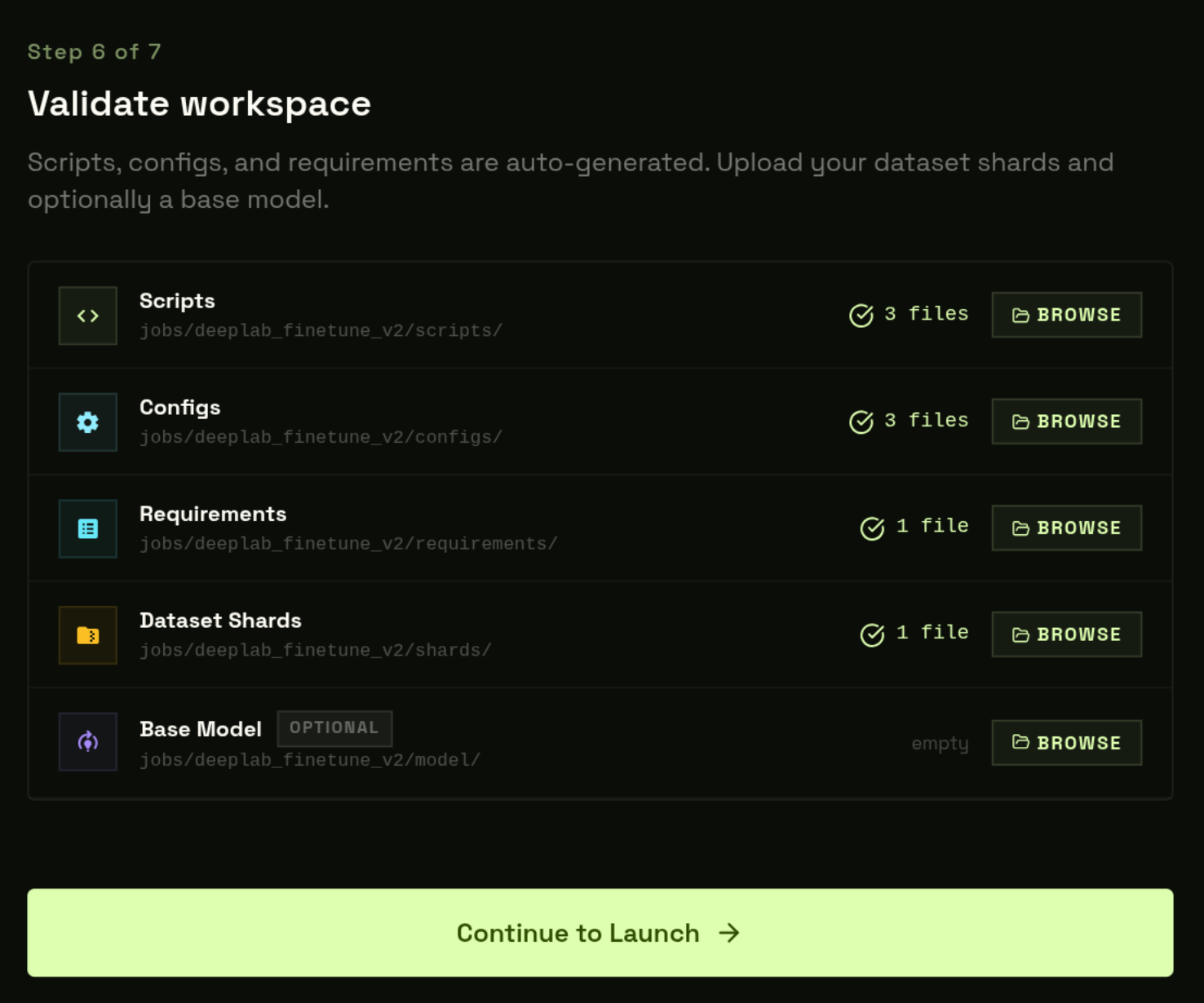
Step 7: Launch
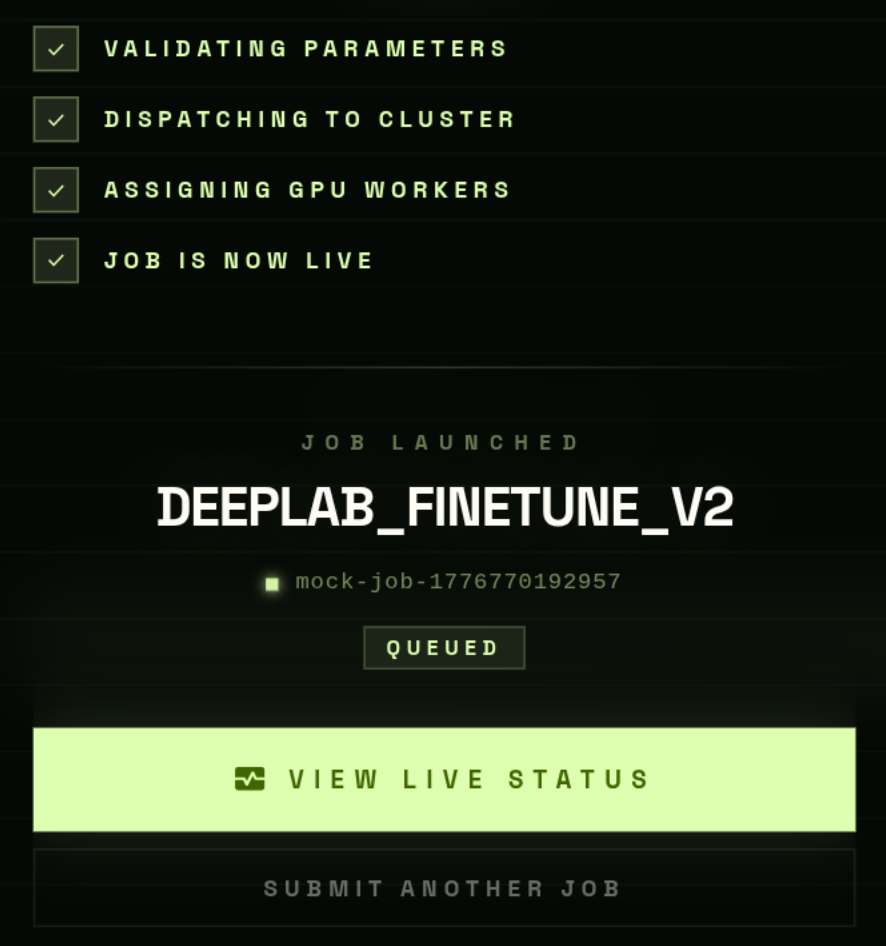
Click Launch. The API validates the bucket, counts shards, allocates workers, generates presigned shard URLs, and dispatches the NVFlare server + workers.
- 1
Path validation
Verifies scripts/, configs/, requirements/ exist. - 2
model/ check
If present: exactly one .pt file required. - 3
Shard count → worker allocation
N zips → N workers reserved. - 4
Presigned shard URLs
1-hour GET URL per (worker, shard) pair. - 5
Dispatch
NVFlare server + worker containers started.
Draft Jobs
The wizard saves progress to localStorage at every step.
- Close the browser mid-wizard — progress is restored when you return.
- Drafts listed on the Submit page under Resume Draft.
- Automatically removed after successful launch.
- Delete manually from the draft list at any time.